🎙️
Voice Tracker
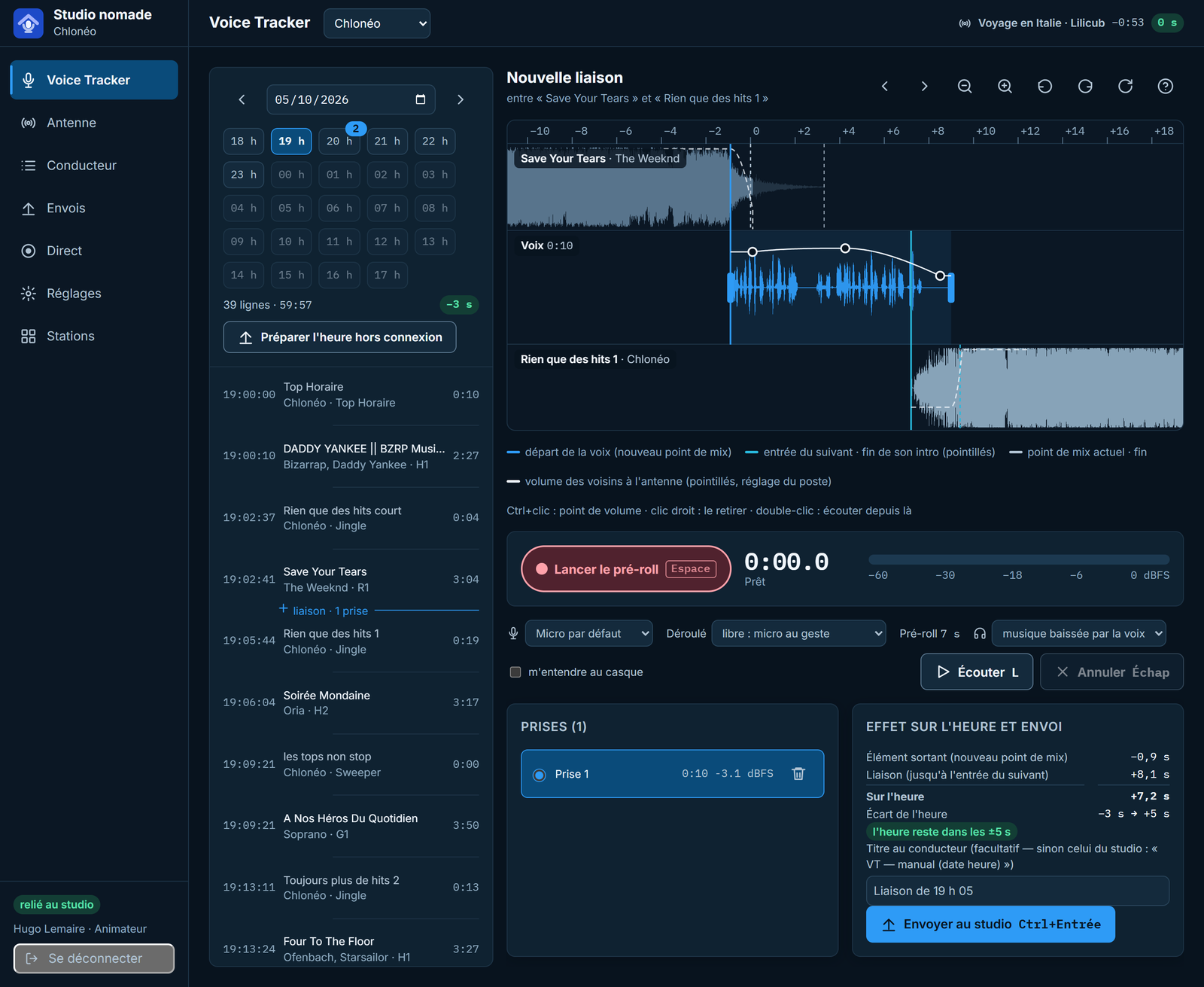
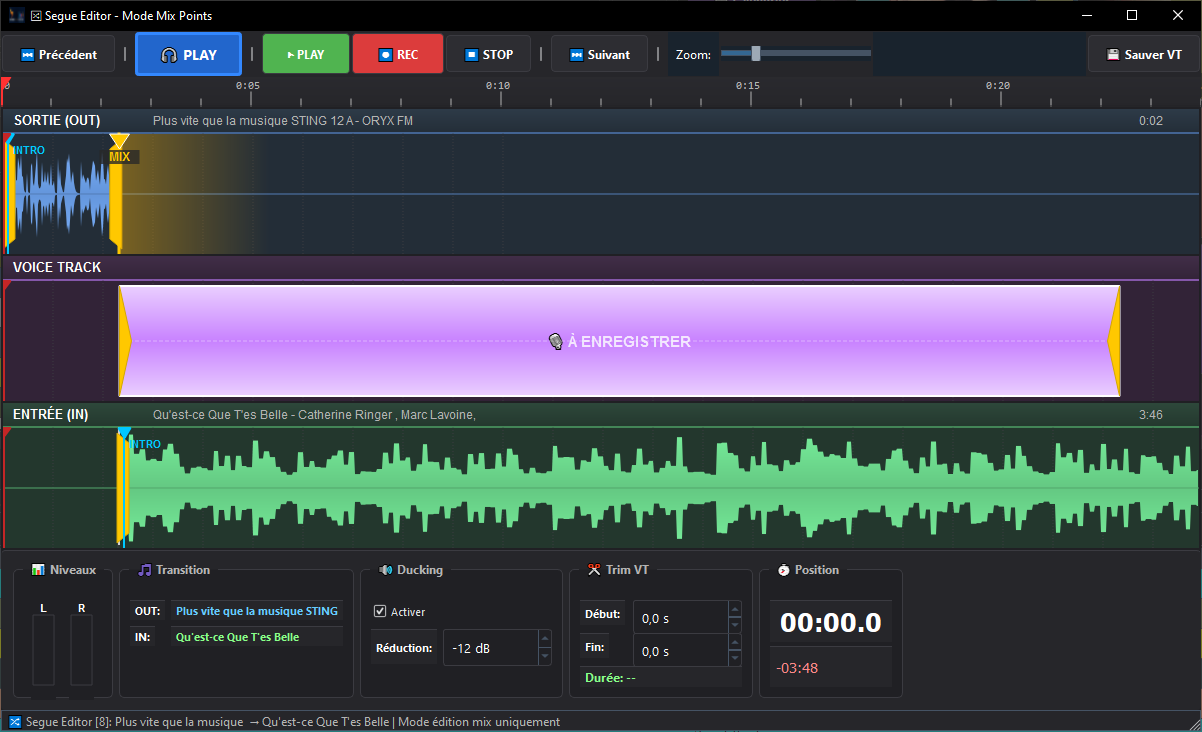
Record your voice tracks and fine-tune transitions with the graphical voice-tracking editor. Waveforms, fades, overlap.
🏠
Remote Voice Tracker Option
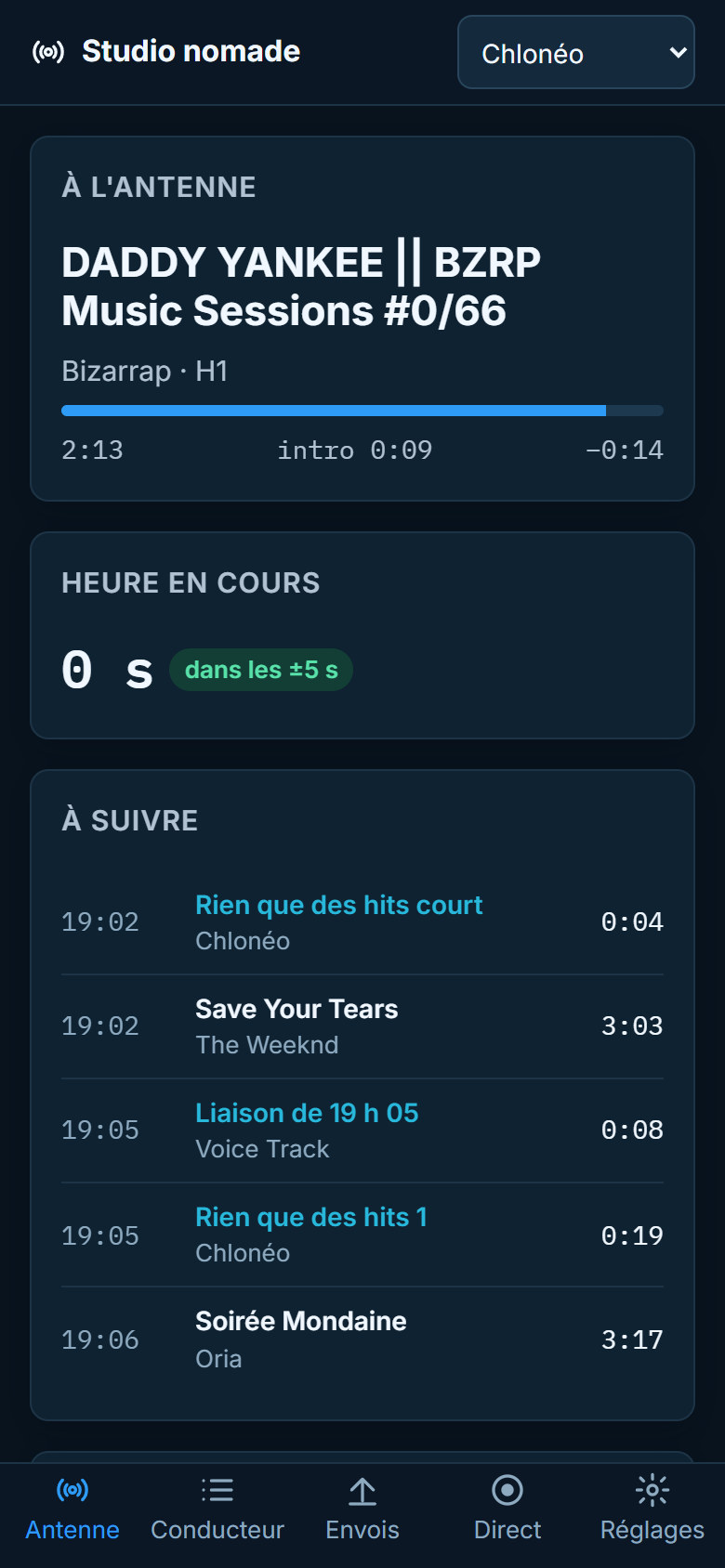
Your presenters prepare their voice tracks from home, in their computer's web browser, with the same moves as in the studio. Learn more
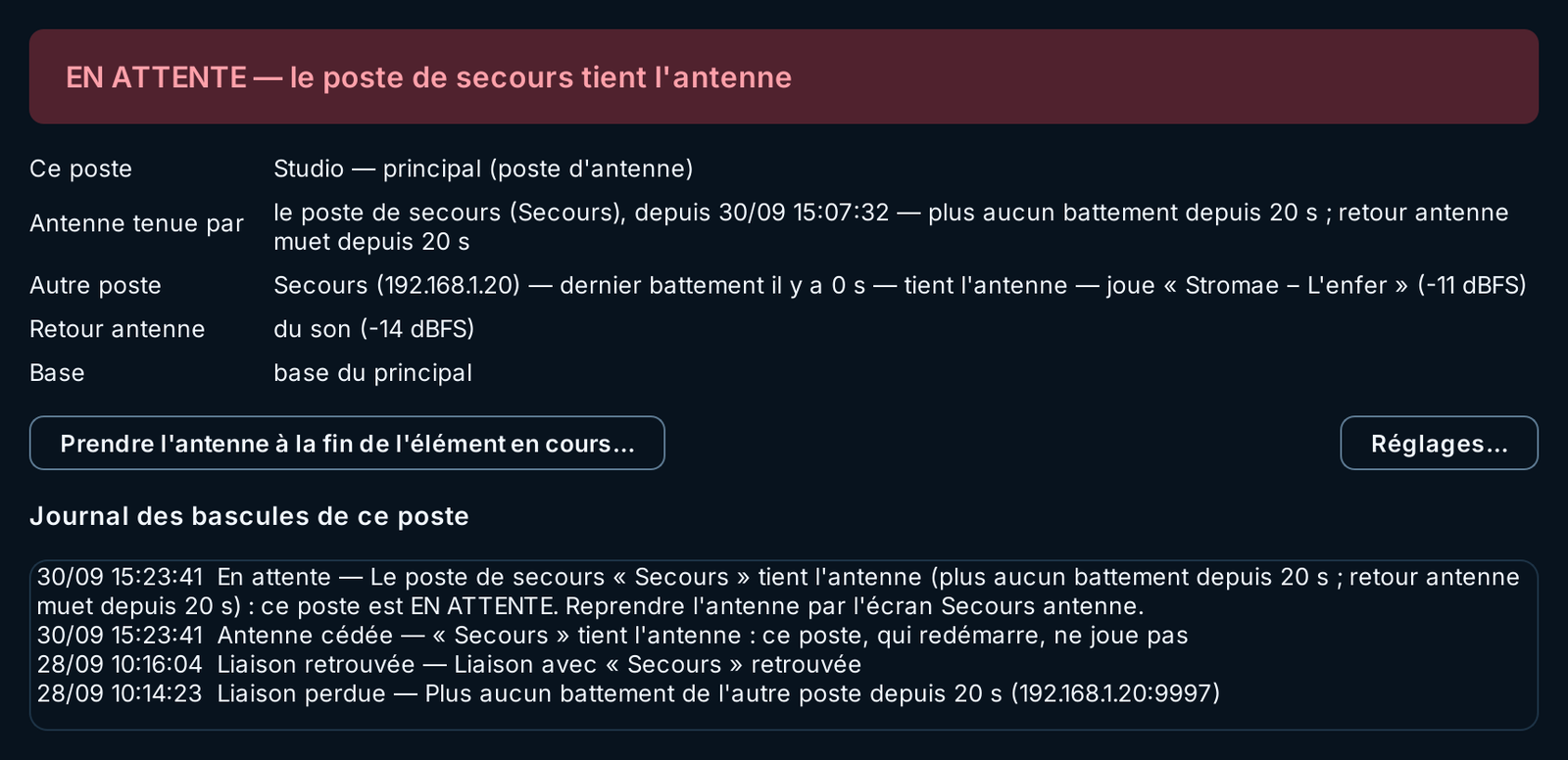
🔄
On-Air Failover Option
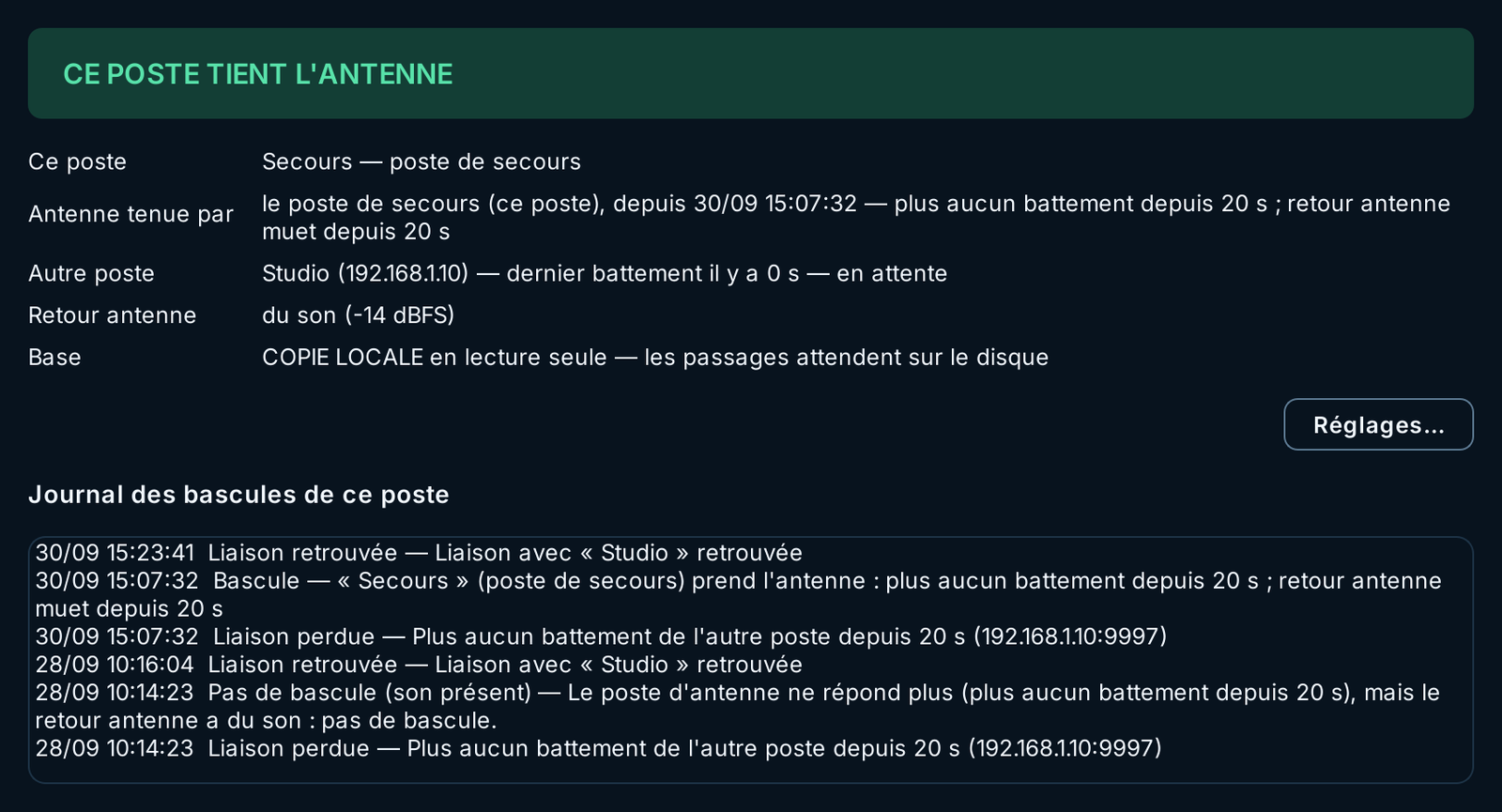
If the on-air PC goes down, a second Phoenix workstation takes over on its own, right where the station was, on time. Only one workstation plays at a time. Learn more
📊
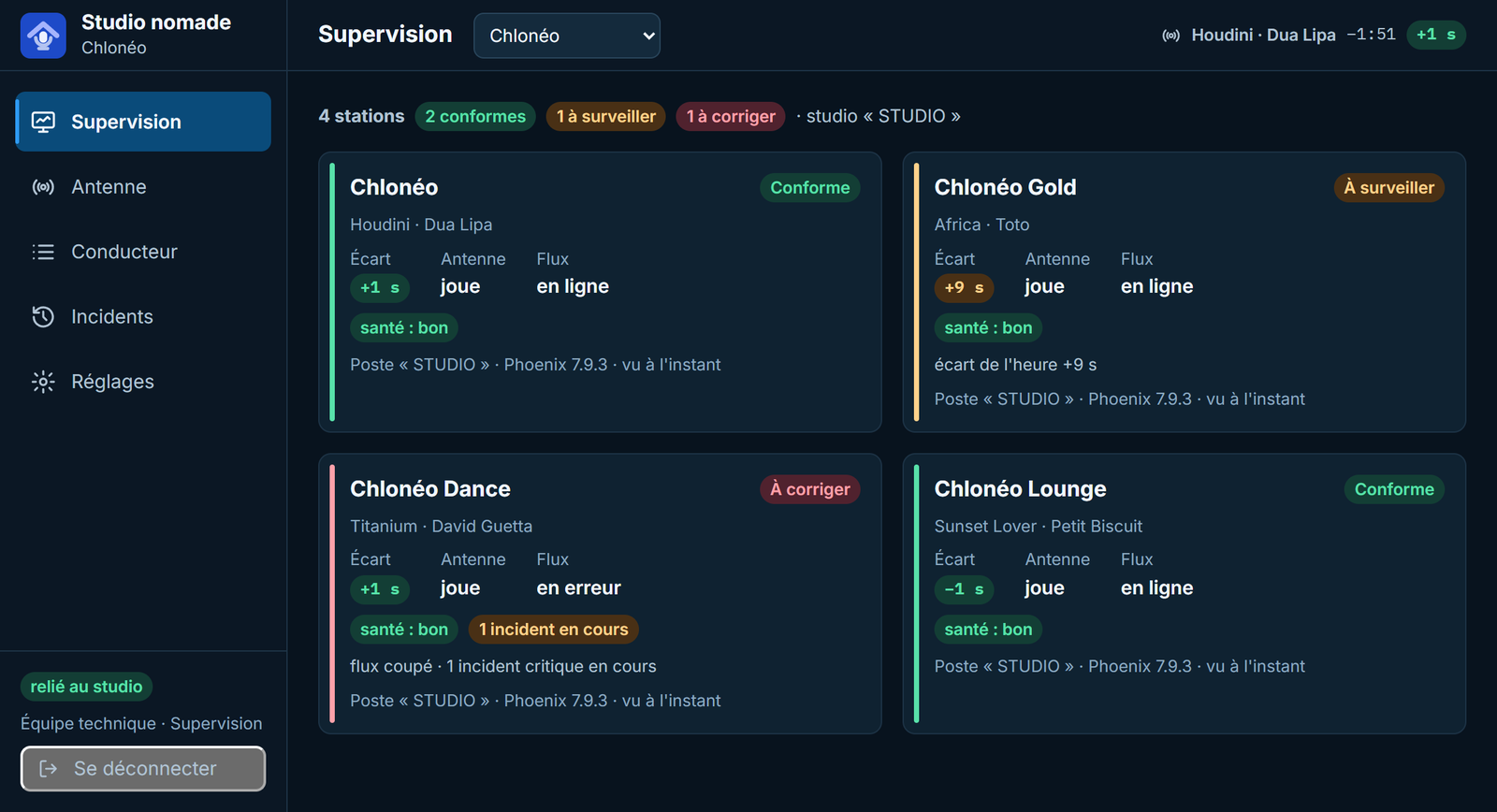
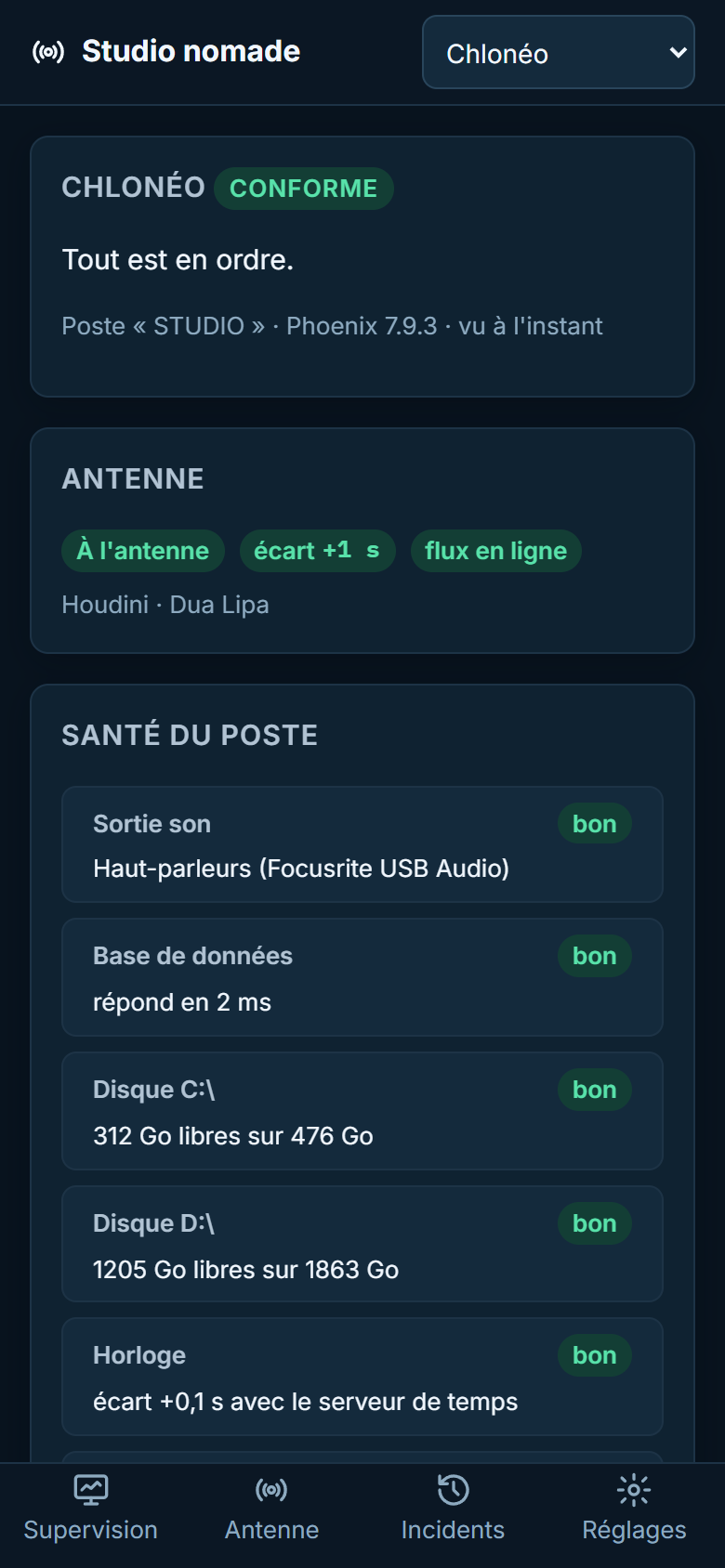
Supervision Option
Every station monitored remotely, on a computer and a phone: board of stations, workstation health, incident history. Learn more
🎚️
Intelligent automatic mixing
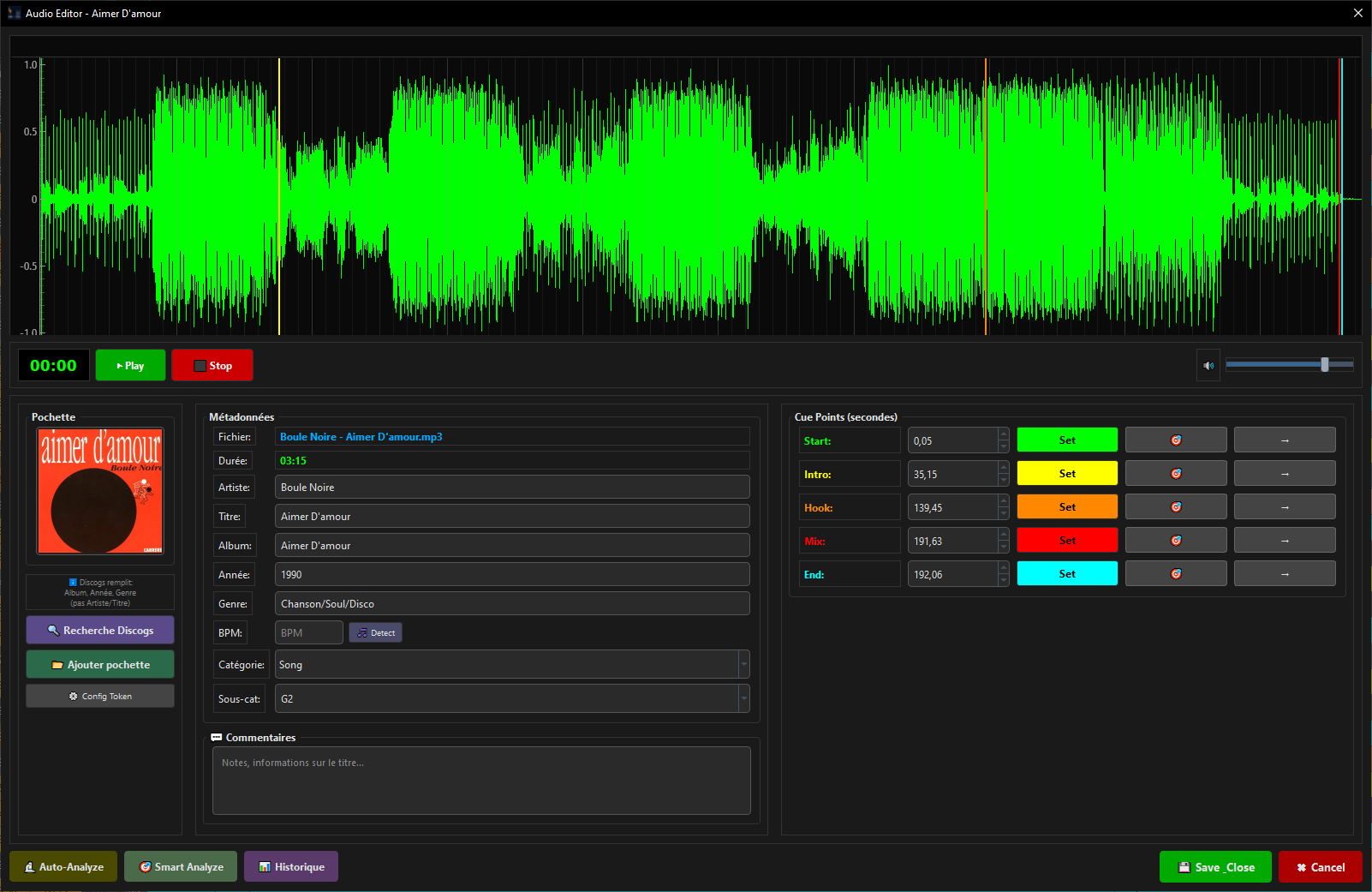
Automatic cue point analysis (intro, mix, outro) for seamless transitions. The algorithm learns from your preferences.
🎛️
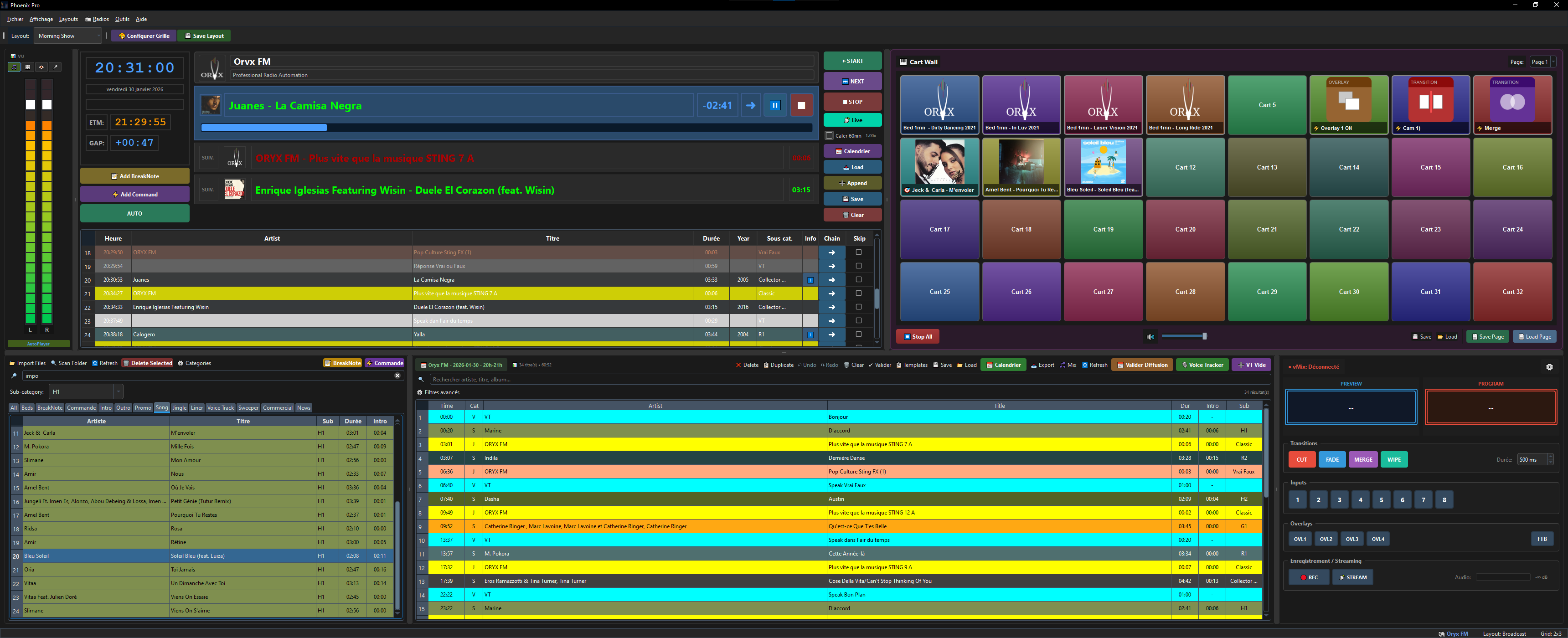
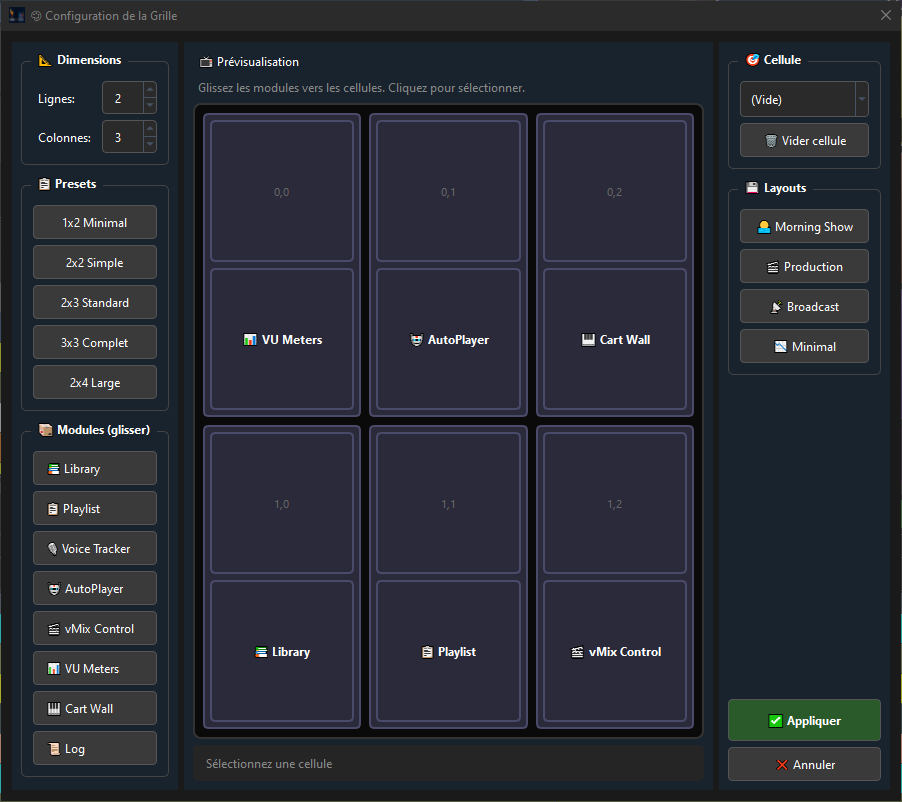
48-button Cart Wall
Fire your jingles, effects and stingers instantly. 48 customizable shortcuts with preview and fade.
📊
Professional VU meters
4 ultra-responsive VU meter styles: LED bars, analog needles, circular arcs and live waveform.
🔴
On Air Mode
Full-screen interface dedicated to live broadcasting. Customizable logo, clock, and a discreet exit button.
🤖
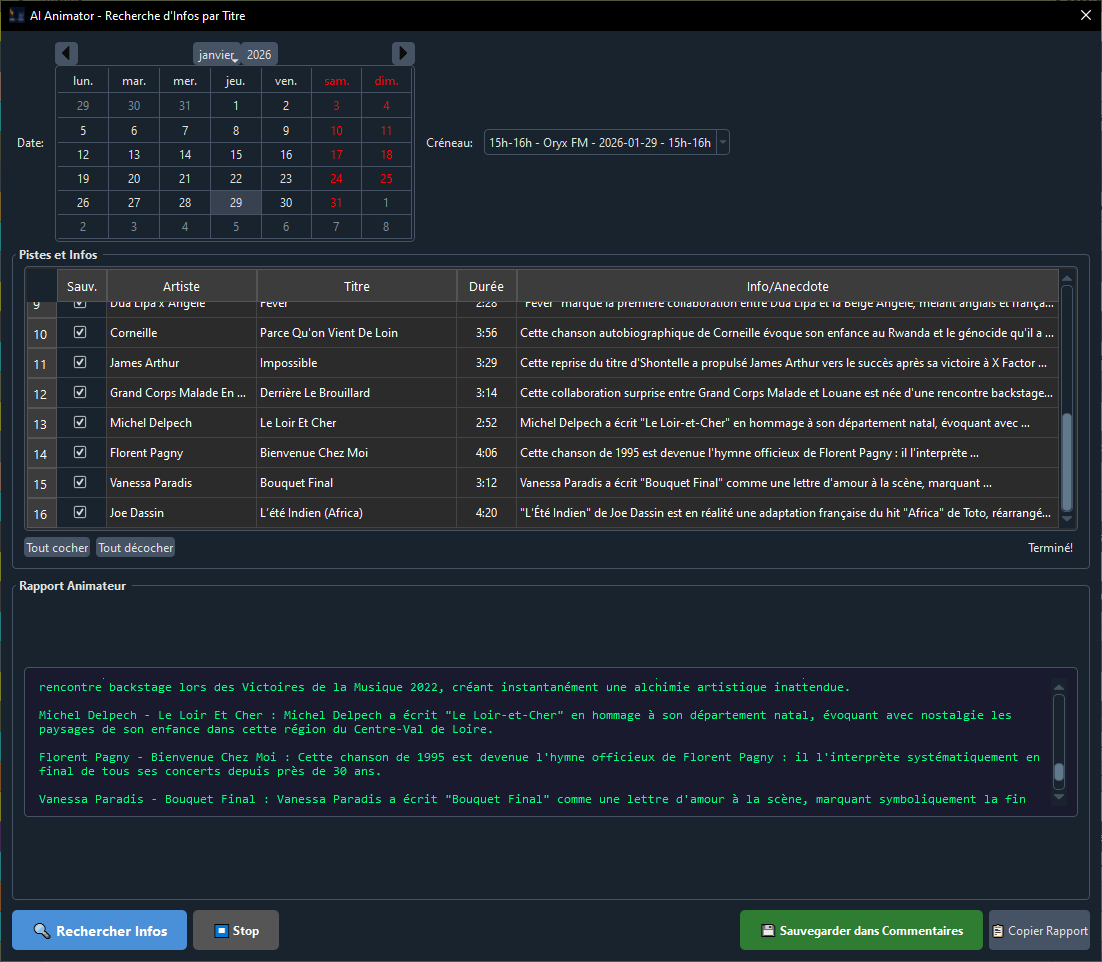
AI Animator
The AI assistant generates anecdotes and facts about every track for your presenters. A Phoenix Pro exclusive.
🎬
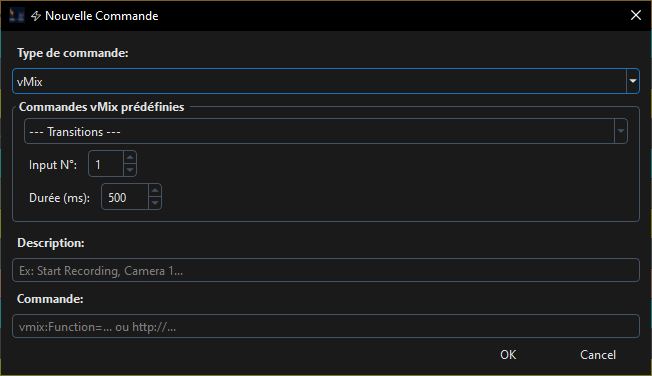
Visual Radio vMix
Complete video automation: dynamic titling (artist, title, cover art), scene transitions and audio/video synchronization driven from the playlist.
🌍
Multilingual interface
The entire interface in 4 languages: Français, English, Español, Deutsch. Instant switching in the settings.
📢
TRAFIX ad sales
Spots sold with TRAFIX arrive in the library and play in the ad breaks like any song, video spots included. Proof of broadcast goes back to the sales team.
🧭
Redesigned interface 7.4
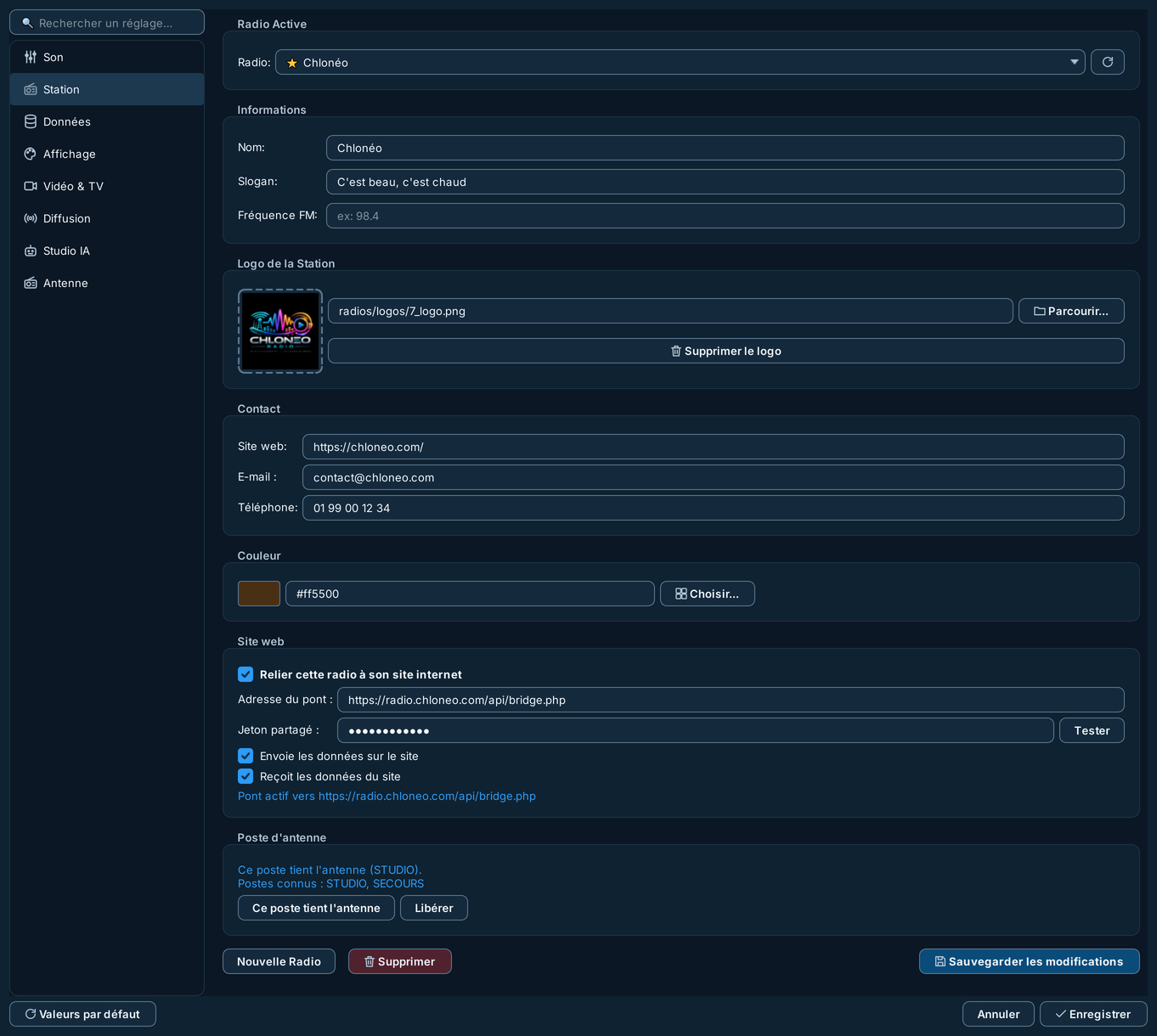
Menus organized by intent (On Air, Library, Scheduling, AI Studio), Settings in 7 sections with instant search, crisp vector icons on every screen.
📡
On-air status bar 7.4
Always in view: track on air, countdown, next track, streaming and database status, recording in progress.
🧰
Maintenance and updates 7.4
File › Maintenance: database health, history purge, optimization, backups, logs. New versions are detected and offered automatically.
📶
Native streaming
Built-in Icecast/Shoutcast encoder, started with the application, real-time metadata, automatic reconnection, status shown in the status bar.
⚖️
Arcom and SACEM compliance
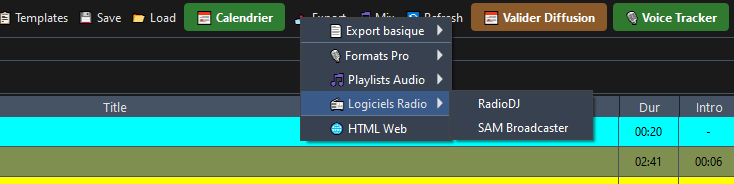
French-language quota computed live over the significant hours, four regimes, graduated alerts. Broadcast log exported in SACEM format.
📞
On-Air CRM and Voxeo
GDPR-compliant listener records, contests and prizes with win-limit rules, studio screen, Voxeo phone system linked to the CRM in real time.
🧩
30 à-la-carte modules
Four editions, from Starter to Enterprise, extended module by module: Music Testing, External Listening, Burn Report, DAB+ Slideshow, Stream Deck, GPI, LiveLink…